# Download screenshots
### Download your design
Save and download your design in high quality.
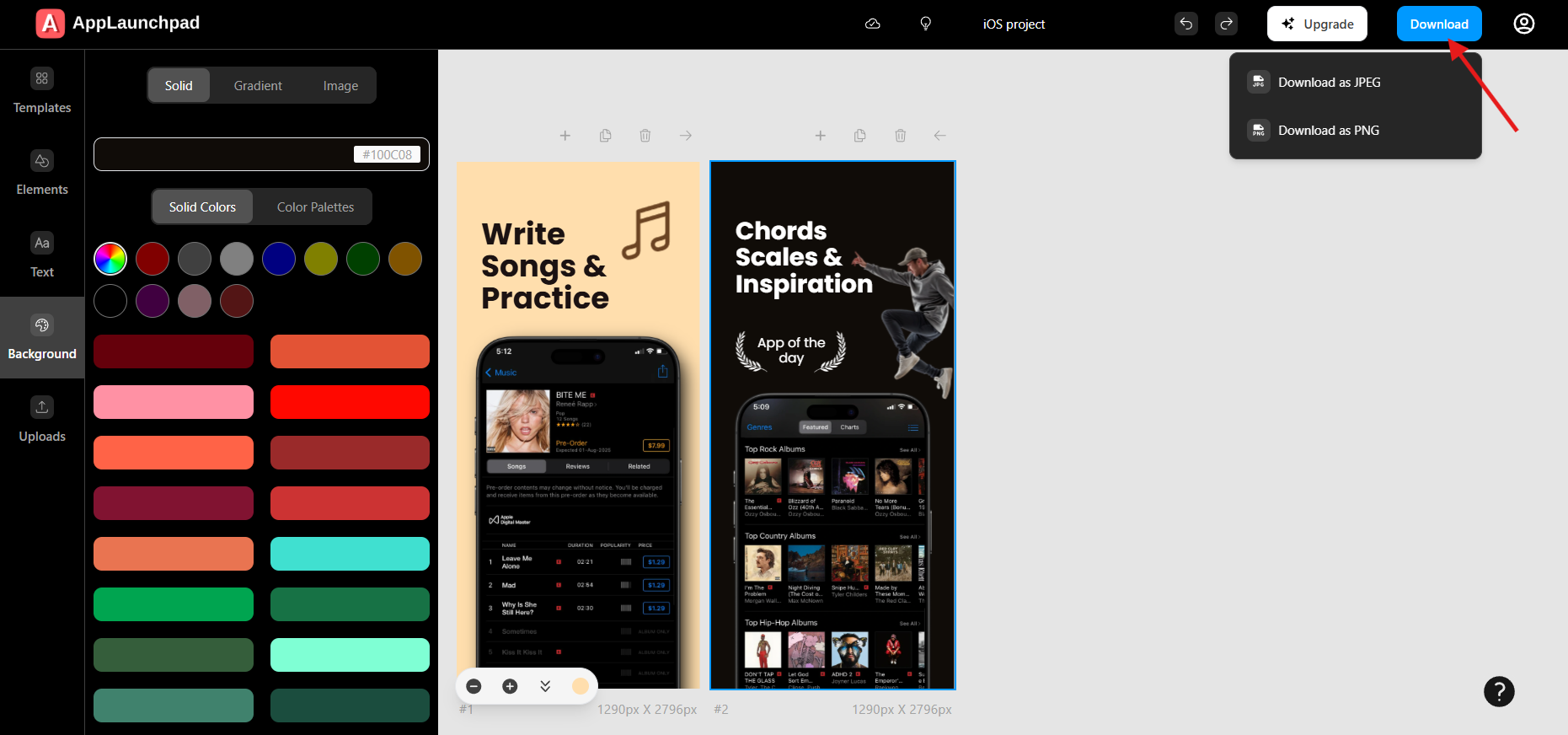
1. Click on the **Download** button in the top right corner of the dashboard.
2. Choose **JPEG** or **PNG** as the format, then download your screenshots.
3. You will download a zip file. Unarchive the zip to get your images.
*Note: Your screenshots will be downloaded in the correct resolution, fully optimized for App Store and Play Store requirements.*